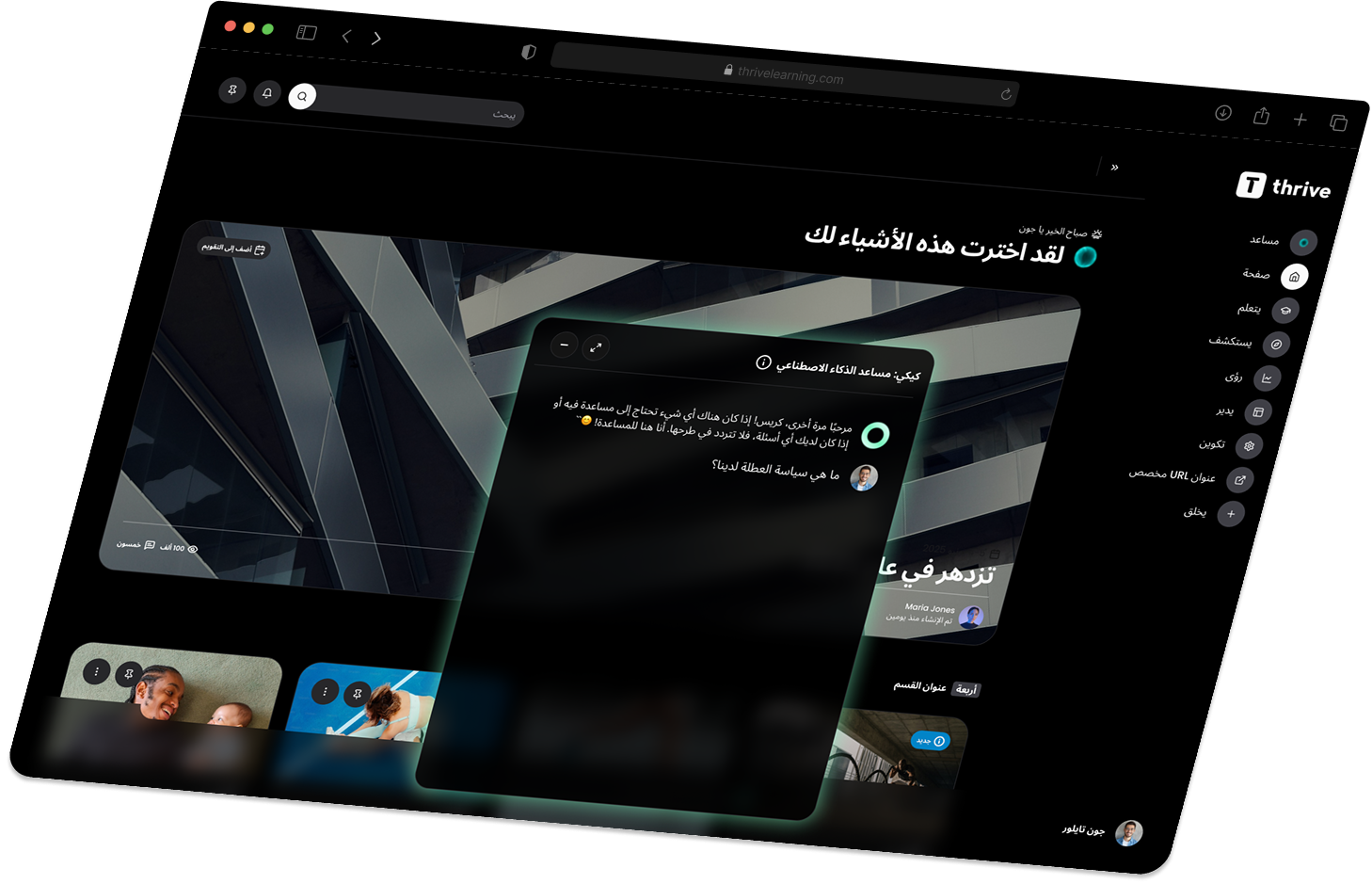
The Thrive Winter Release.
Reinventing the modern employee experience. Our most powerful platform release yet.
.png)
-w%201.svg)




Thrive Hub
A single, smart hub where your people start and end their day.
Integrate your entire tech stack from file storage and HRIS to CRM and calendars in one place, bringing every app, tool and system your business uses in one interface.
Create and configure a personalised launchpad with interactive widgets and links based on the end users preferences, role and productivity needs.
Complete tasks without leaving Thrive. Interactive widgets let users take action across your systems directly from the Hub, boosting productivity and improving the employee experience.
Invest in premium connectors. Work with Thrive to design custom widgets that connect to your systems and turn your Hub into a powerful workflow engine.
“It’s so user-friendly, and having everything in one place will increase productivity massively. It’s the kind of experience our teams have been waiting for."

Kiki Connector Search

Use Kiki to search across Google Drive, SharePoint, OneDrive, DropBox and Box – all in one place.
Get instant, AI-powered answers without digging through folders or remembering file names.
Surface relevant, company-specific knowledge in seconds – securely and at scale.
Thrive Mentoring
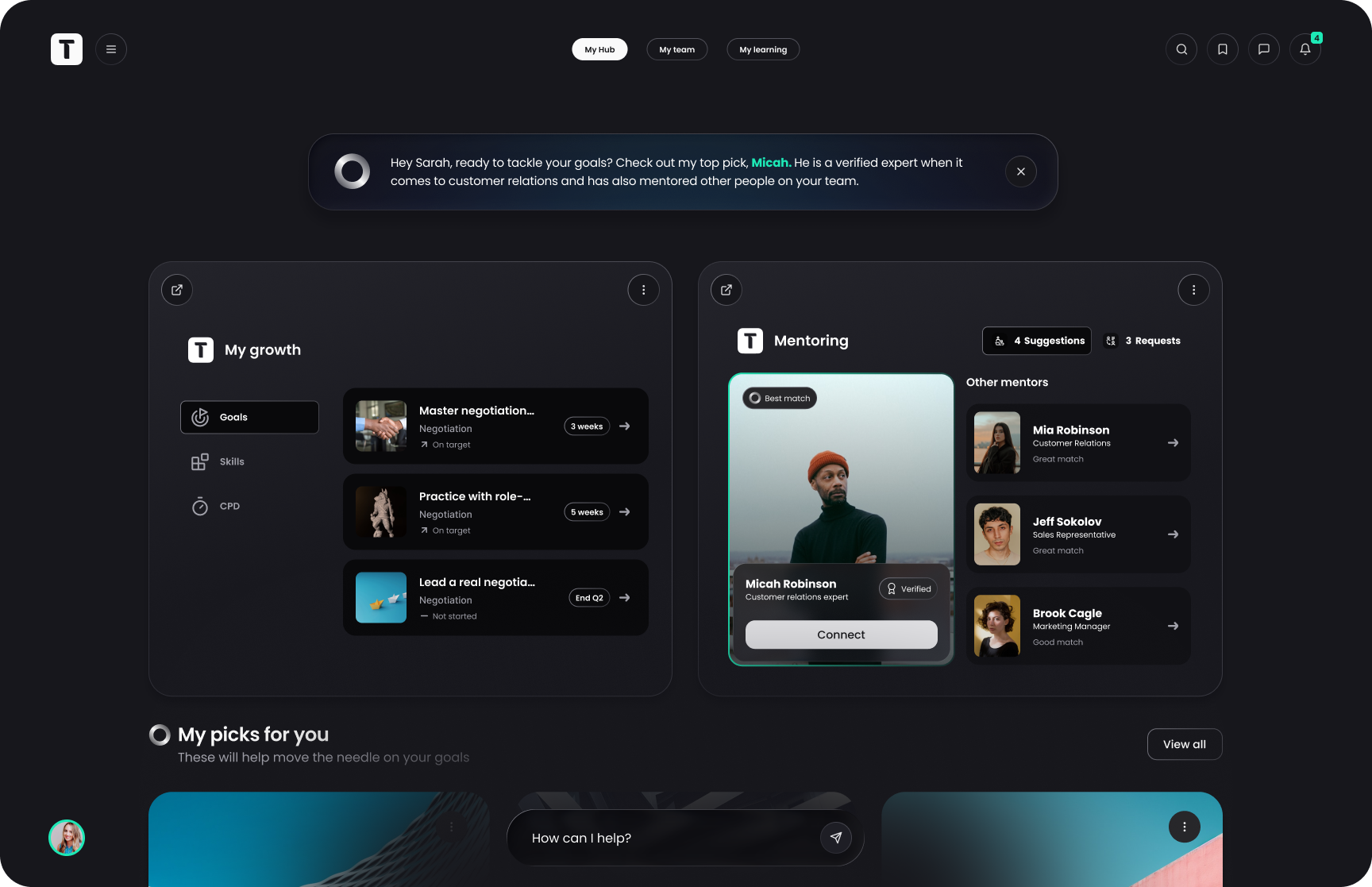
Thrive now takes the guesswork out of mentoring. Helping your people find the right match, build real connections and track their growth; all in one simple, intelligent space that’s fully integrated in your Thrive Platform.
Manage mentor and mentee relationships, with smart matching based on skills, seniority, role, interests, goals and more.
Set your availability and showcase whether you’re a mentor or mentee looking for a match or both all from your profile.
Schedule mentoring sessions and configure your Mentoring or Coaching programmes in Spaces. We also launched Thrive Mentoring Programmes, ready to go launch structured packs that make mentoring easy to deliver.
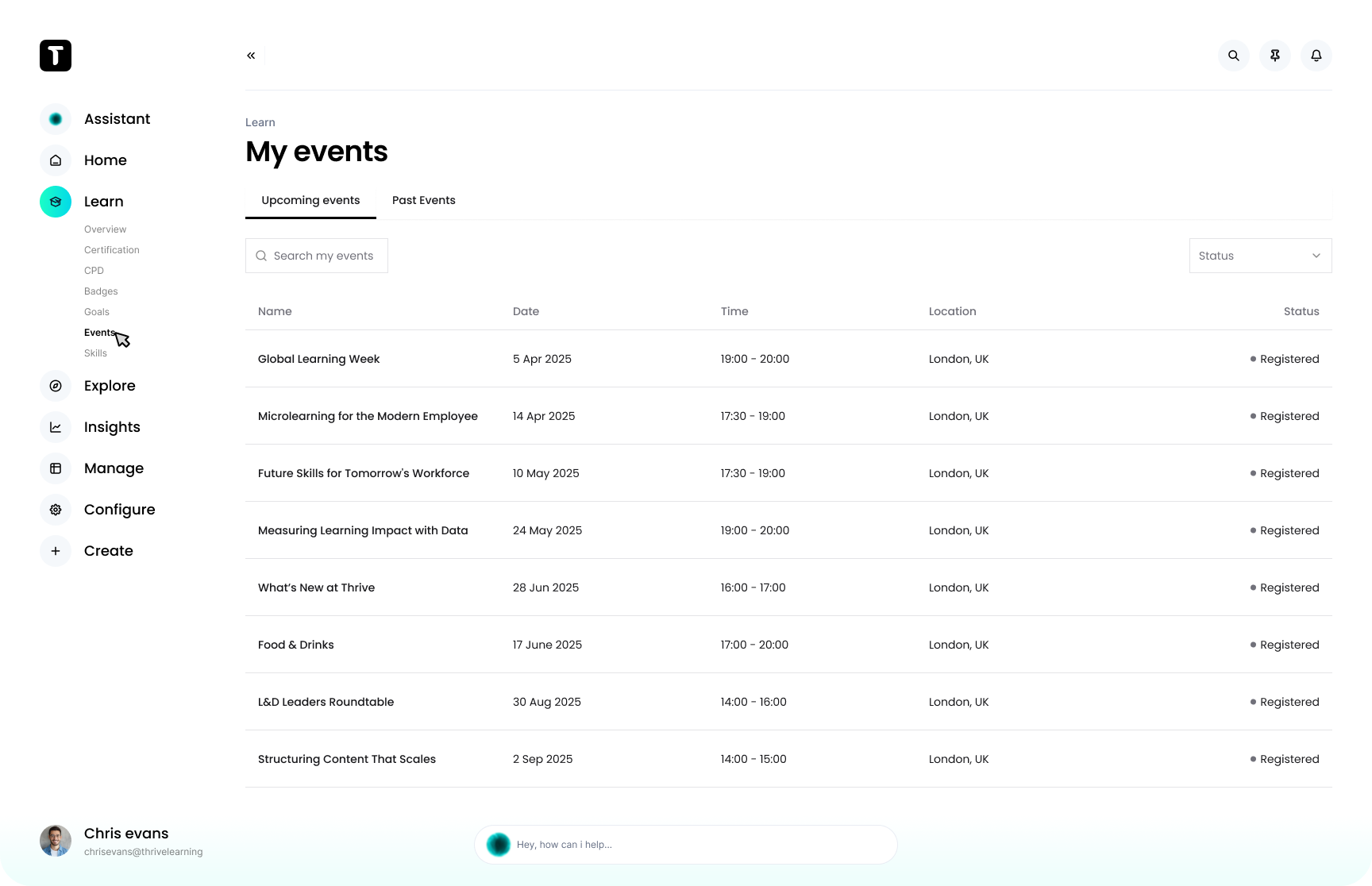
“Mentoring opens up a whole new area of support for our driving instructors. They don’t get much feedback or interaction day to day, but they thrive on helping people develop. Bringing mentoring into Thrive gives them a structured way to do that, it’s a really powerful tool for the future.”

Introducing, Spaces.
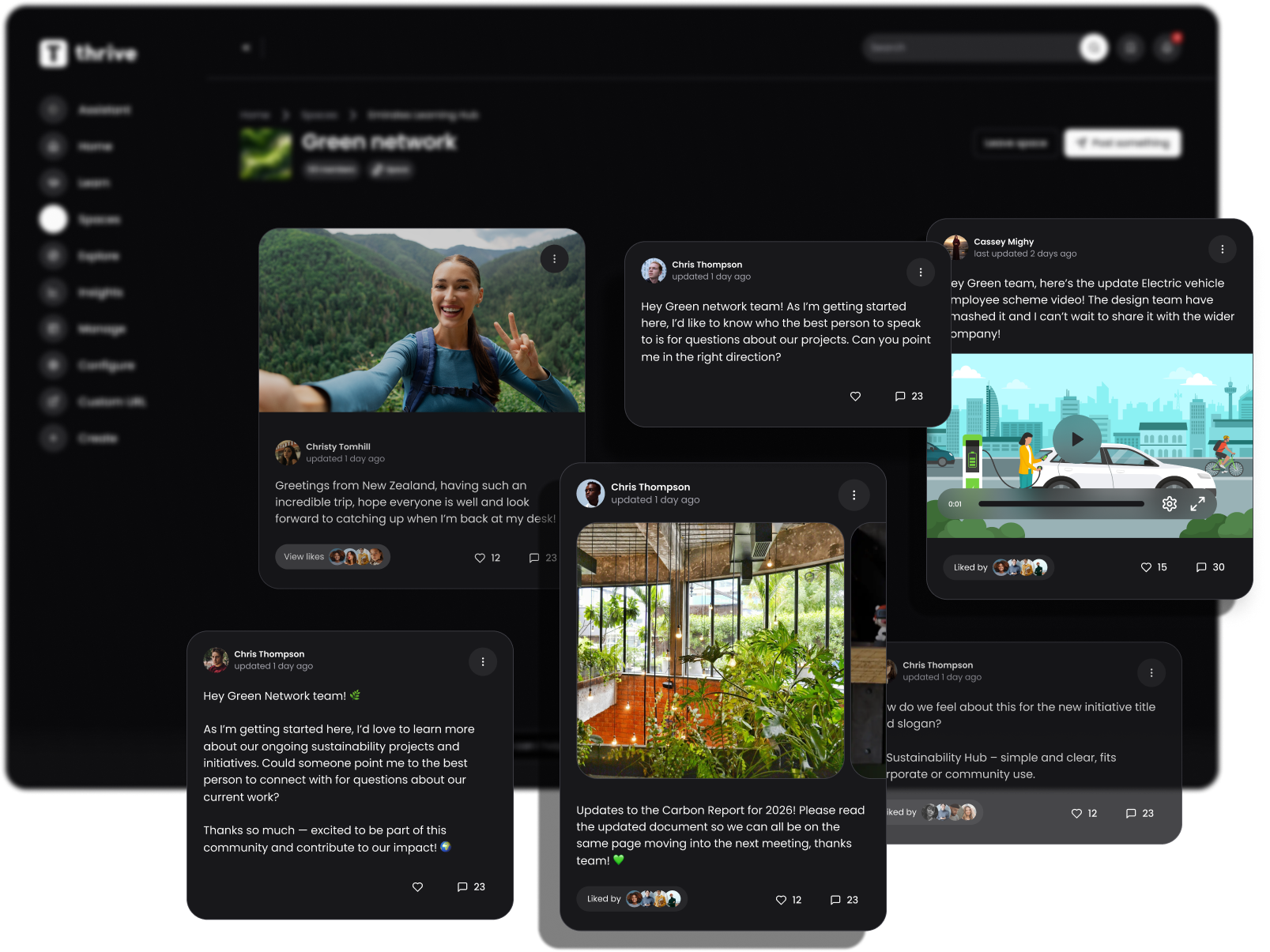
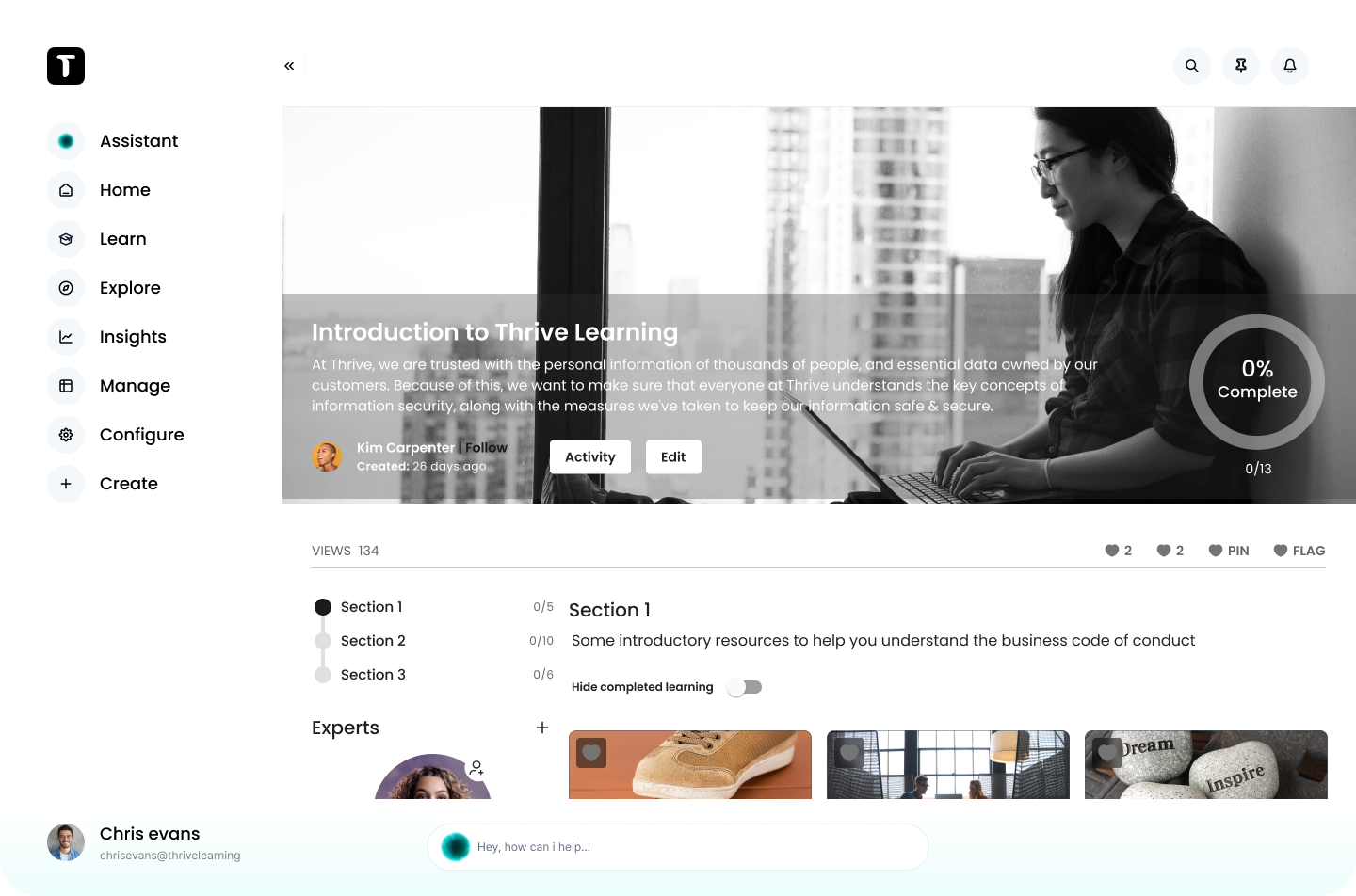
Customise your community pages with flexible layouts, multiple size content blocks, media types and branding.
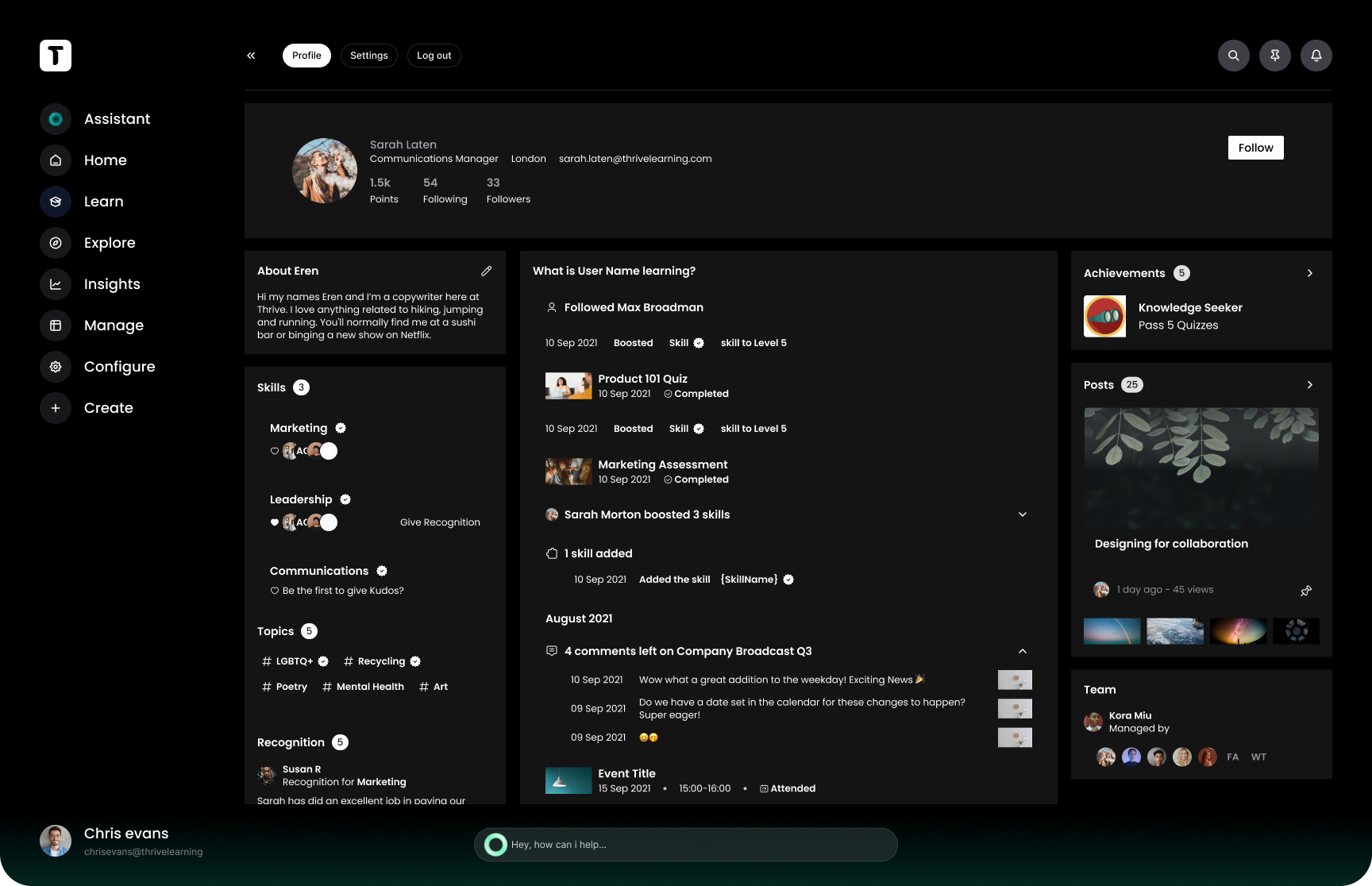
Share knowledge, spark conversations and build real connection through social feeds, chat and user-generated content, turning learning into a shared, social experience.
Use Gemini, Nano Banana and Sora to generate engaging and entertaining media using AI.
Launch peer-to-peer programmes matching employees for onboarding, leadership, DEI and so much more.
“For us, this is huge. As a global brand, we’ve needed this level of connectivity for a long time. It lets people connect who might never normally interact, all within a space tailored to them. Honestly, it’s goodbye WhatsApp, hello Spaces. I already have seven different ways I can see this benefiting our business. I cannot wait.”

Assessments
Create and publish observed or reviewed assessments with flexible question types, scoring and pass criteria.
Assign assessments directly or embed them in learning pathways for structured, real-world evaluation.
Enable managers and audience managers to score, approve and give feedback with all results stored on the learner’s record.
Track every attempt and answer with detailed reporting and insights within Thrive
Thrive App Offline
Access pdfs, videos, articles and assessments on the Thrive App all without an internet connection.
Ability to download what you need and keep learning on track for deskless teams and on-the-go employees.
Complete secure assessments in offline environments – no pen and paper needed.
Just shipped
Discover what else has landed in our Winter Release, with new features like self-registration, an upgraded iPad experience, more languages, smarter alerts and scheduled reports, plus even more powerful improvements across Thrive.
Find out more
A new way to provision users is available on Thrive allowing employees with no work email to self sign up.
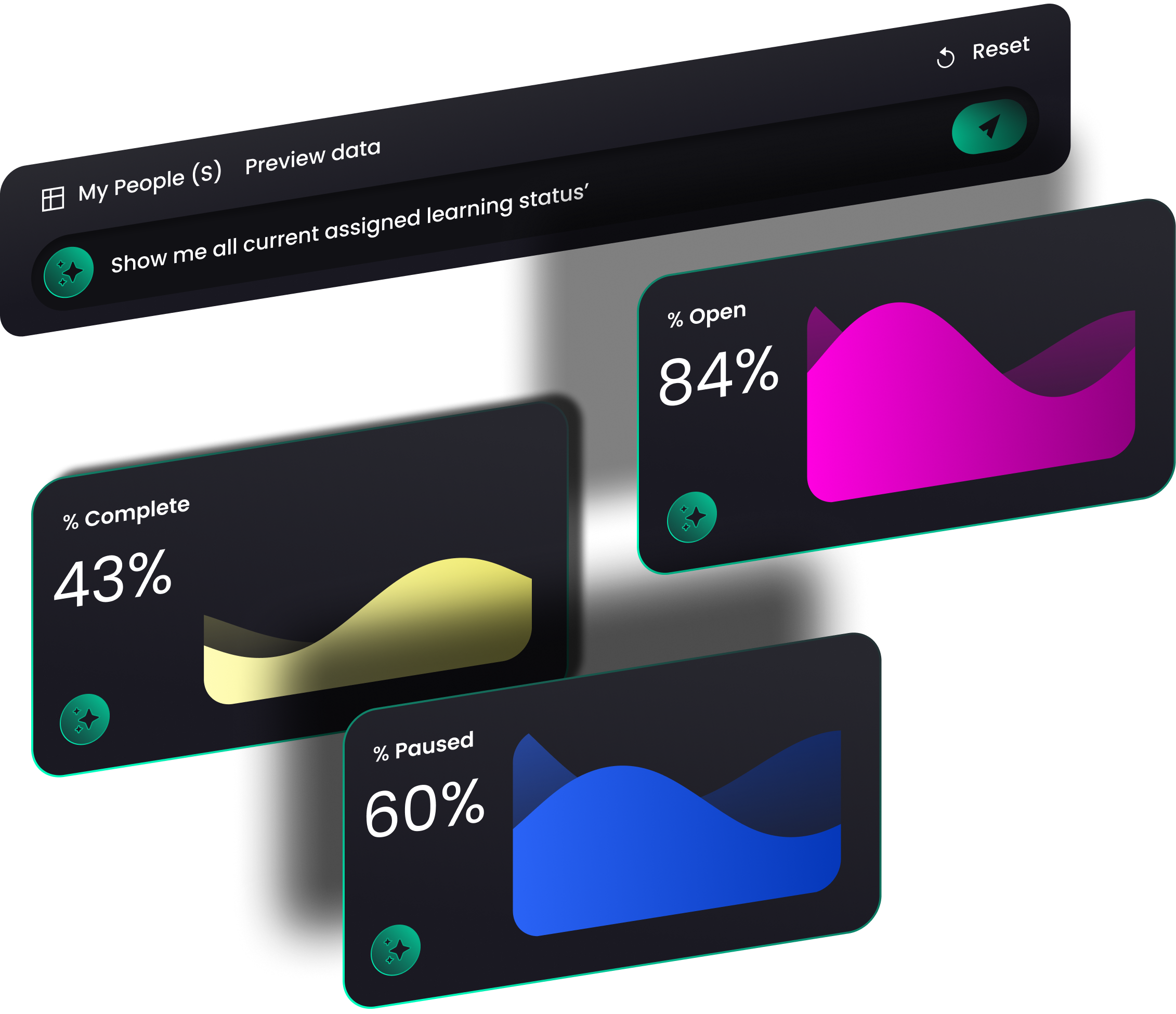
Suite of in-depth analytics and new dashboards including the ability to request data and visualise it using AI.
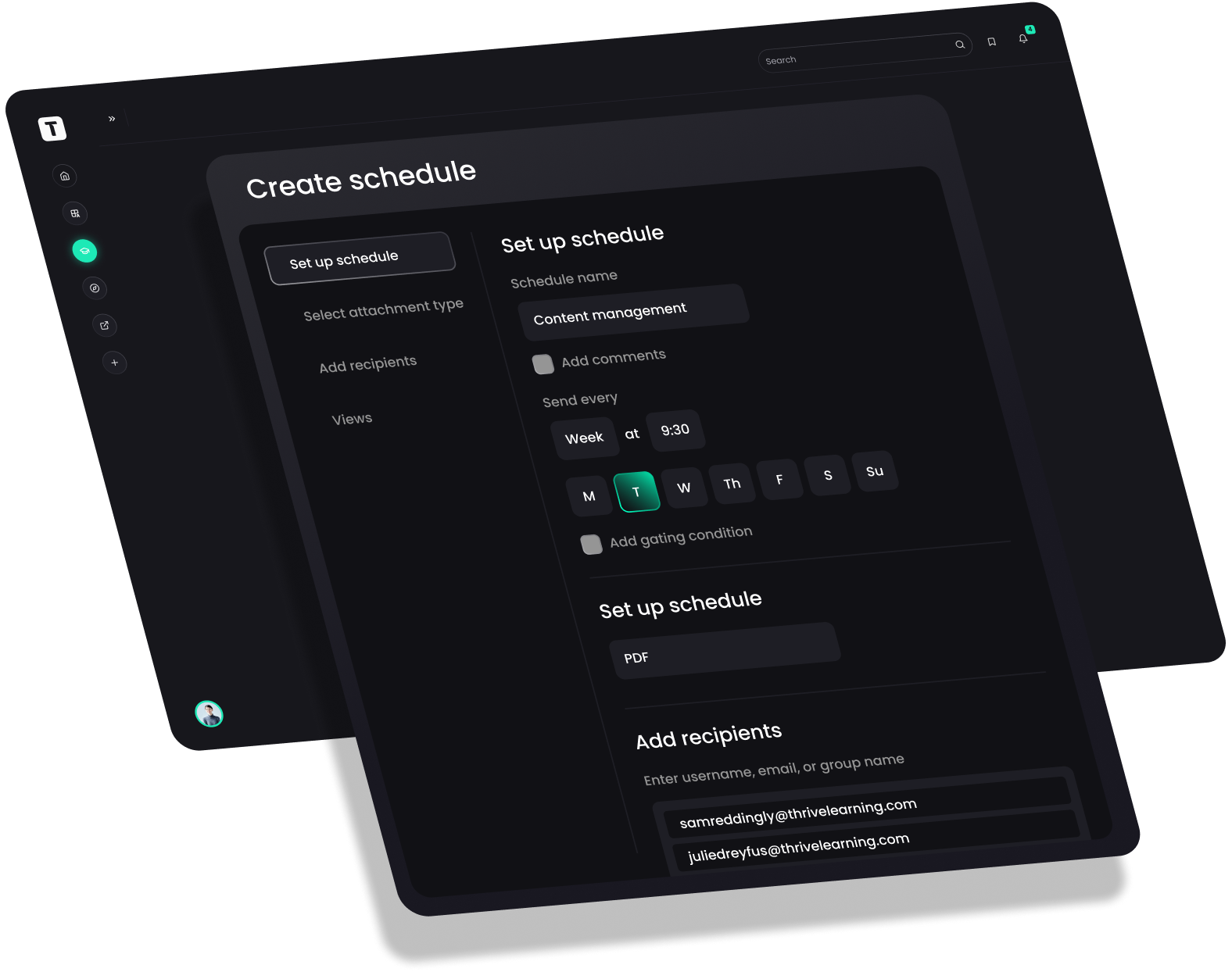
A smart and concise dashboard overview and the ability to set KPI alerts and schedule reports to the people who need them.
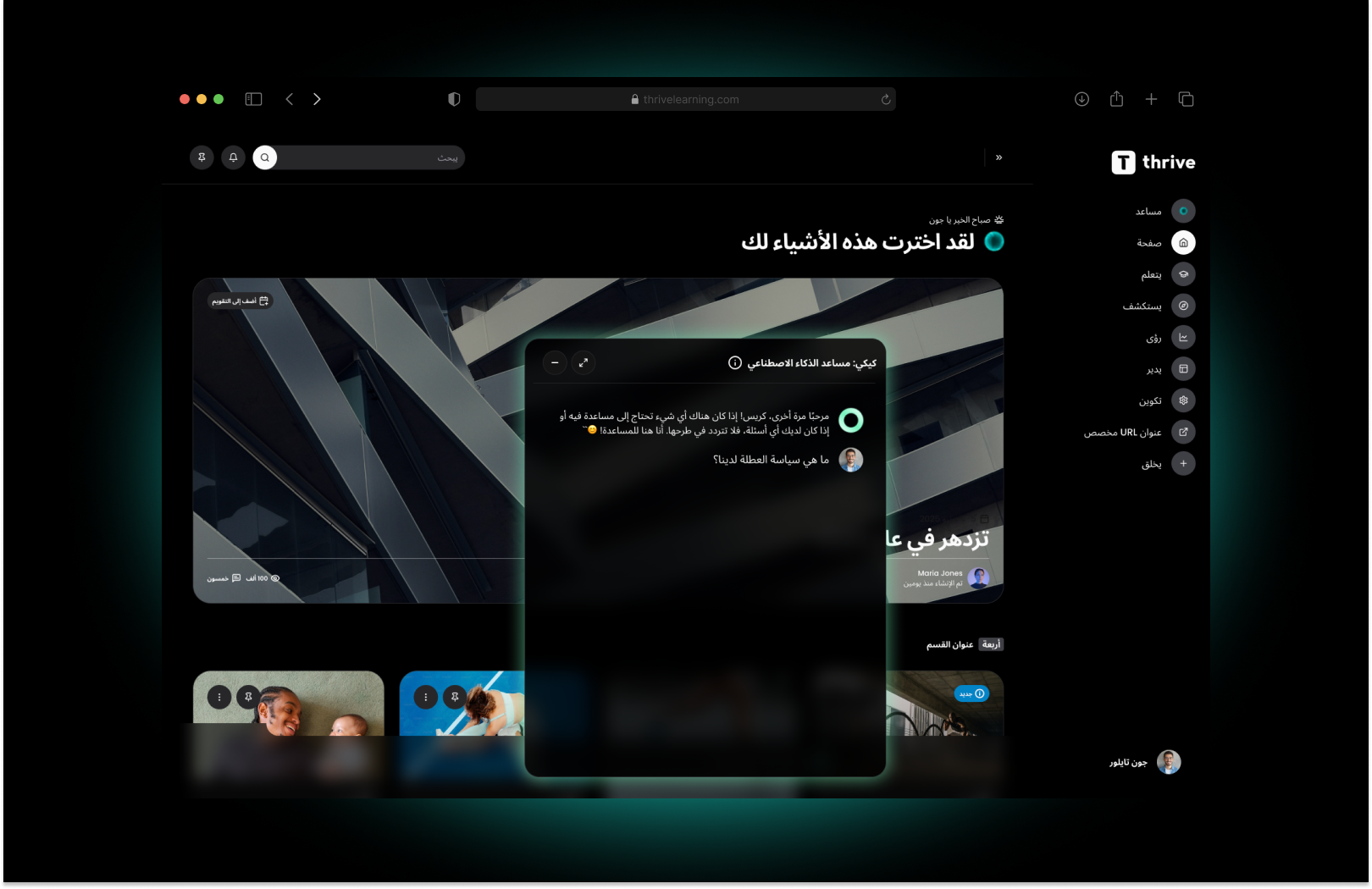
Thrive has added more multi-language capabilities than ever and can now auto translate mixed content based on a users preferences.
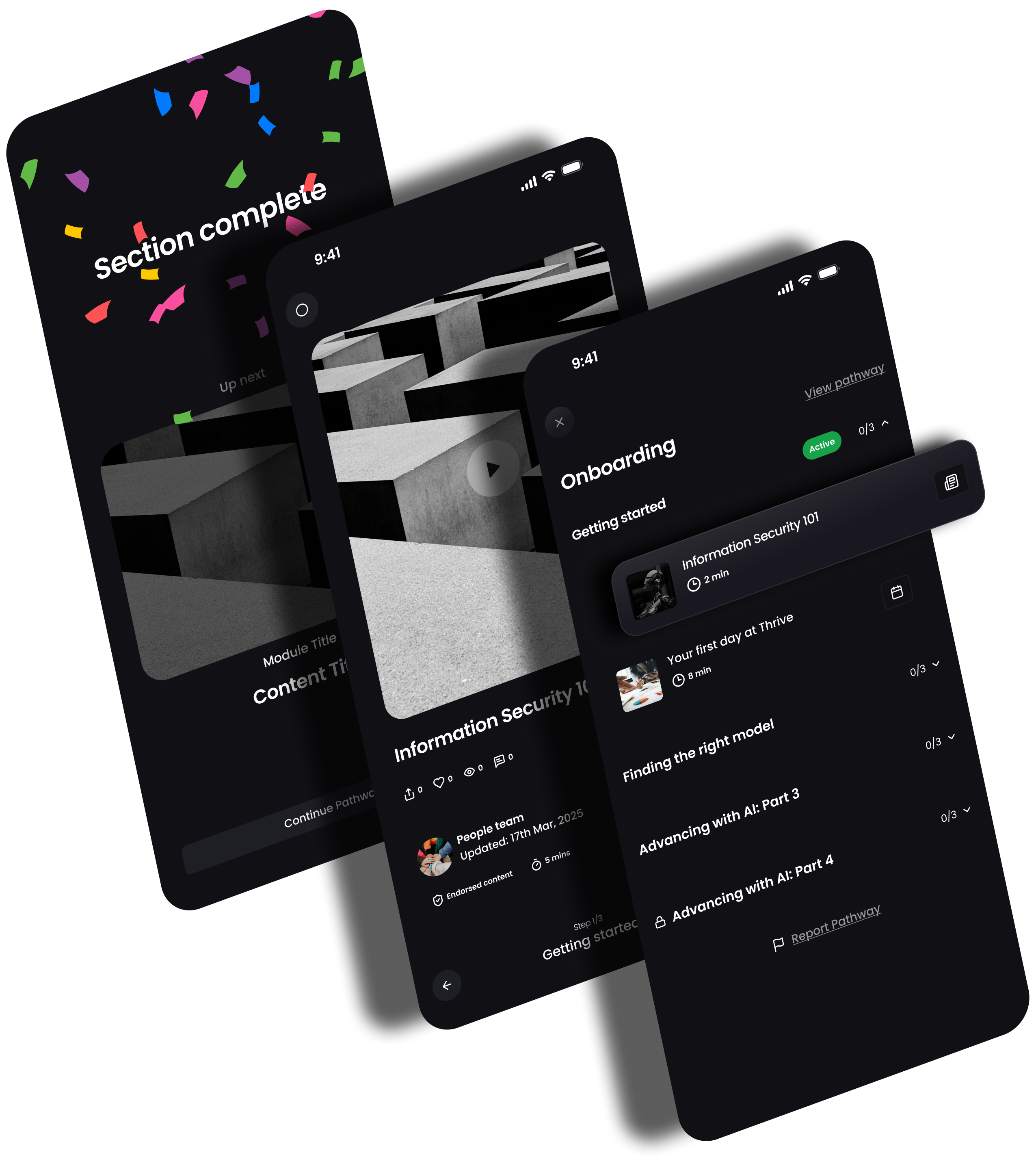
The ability to custom brand your own app in the App store using the branding and name your people resonate with.
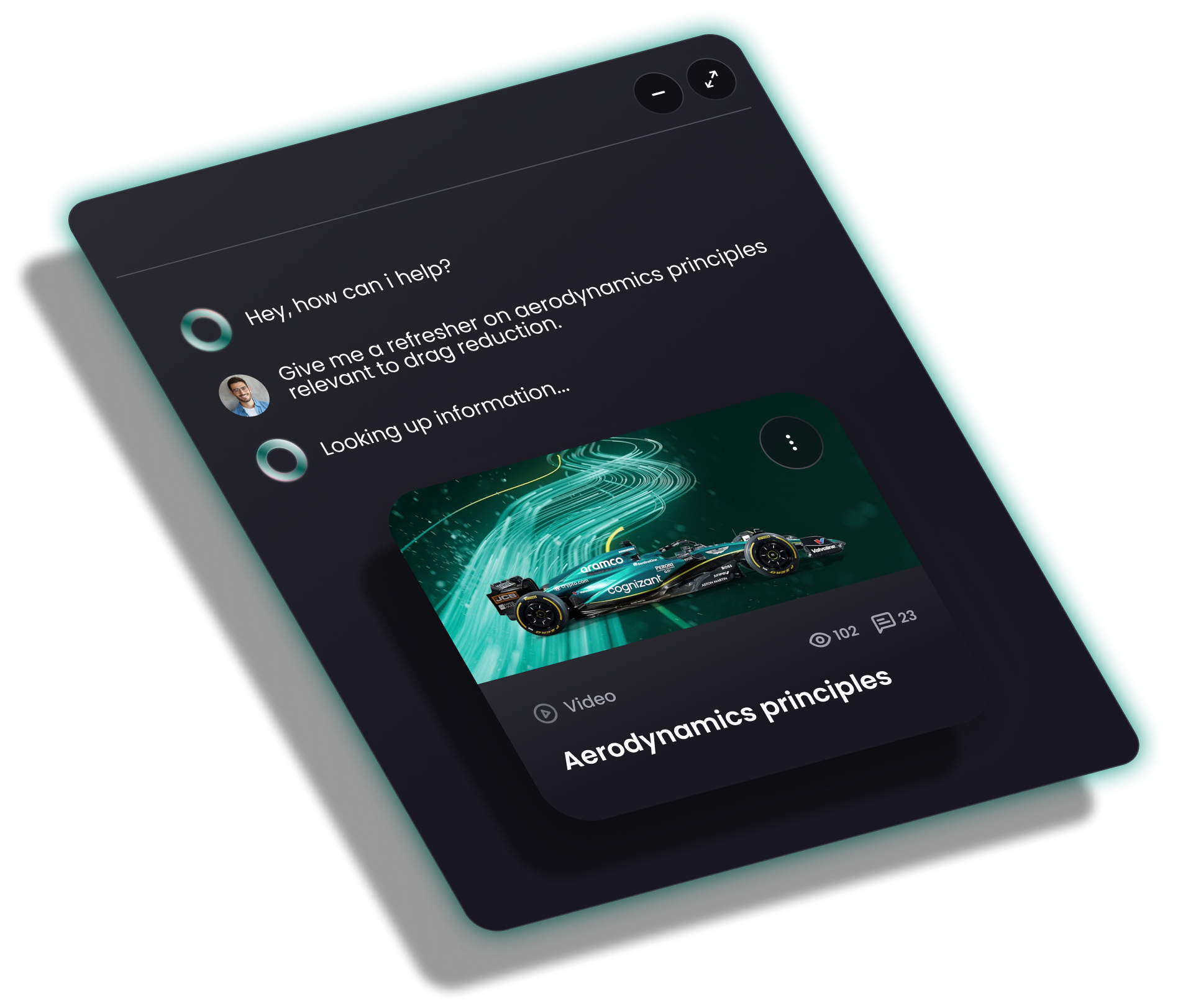
Continued improvements to Kiki, transforming speed, accuracy and relevancy of answers based on user.
.png)
Tablet enhancements has improved the Thrive App to better support larger screens.
-min.png)