LMS integrations for every system your team uses
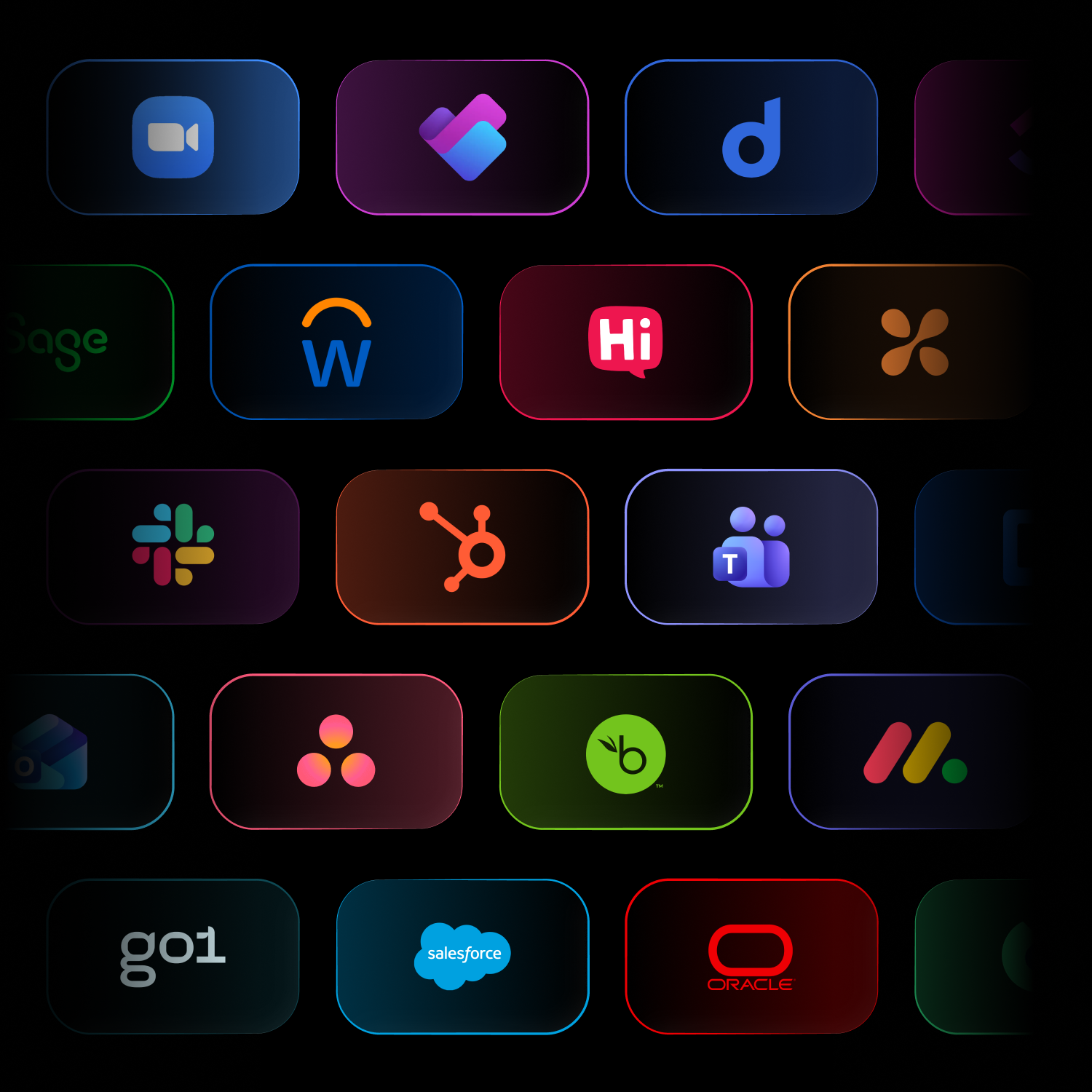
Thrive connects to the HR, CRM, single sign-on, communication and content platforms you already run, including Workday, SAP SuccessFactors, Salesforce, Microsoft Teams, Slack and Okta. HR and identity integrations sync users and handle sign-in, while communication, CRM and content tools bring learning into everyday work.


How Thrive integrates with your business systems
Thrive’s learning platform integrations work with the tools you already use. HR data syncs automatically, single sign-on handles secure access and the Hub brings Teams, Slack and more into one learning homepage. Thrive connects to Workday and SAP SuccessFactors, so you get one place to learn without replacing your HCM.

































































Your learning management system integration questions, answered
Does Thrive integrate with HR and CRM platforms?
Yes. Thrive integrates with HR systems including Workday, SAP SuccessFactors, ADP, Dayforce, BambooHR and HiBob, and with CRM platforms including Salesforce, HubSpot and Microsoft Dynamics 365. Your HR data keeps users, teams and managers in sync automatically, so learning always reflects your organisation.
How many integrations does Thrive have?
Thrive has 65+ pre-built LMS integrations across HR, single sign-on, communication, CRM, content libraries, data and AI tools. Popular integrations include Workday, SAP SuccessFactors, Salesforce, Microsoft Teams, Slack and Okta. If you need something that isn't listed, our team can scope it with you.
Does Thrive integrate with Salesforce and Microsoft?
Yes. Thrive integrates with Salesforce and across the Microsoft stack, including Microsoft Teams, Outlook, SharePoint, OneDrive, Microsoft Entra ID and Dynamics 365. Sales and customer teams keep learning connected to the CRM they use every day, while Microsoft users sign in once and learn inside the tools they already use.
Does Thrive offer LMS CRM integration?
Yes. Thrive's LMS CRM integration connects learning to Salesforce, HubSpot and Microsoft Dynamics 365, plus customer service tools like Zendesk. Sales and customer teams keep their training connected to the CRM they work in every day, so learning supports the deals and conversations that matter.
Does Thrive have a connector for Claude, ChatGPT and Copilot?
Yes. The Thrive MCP server is a connector that links Thrive to Claude, ChatGPT, Microsoft Copilot and Gemini, so you can manage your whole platform from the AI tools you already use. Create courses, update content, manage users and pull reports without switching tabs.
Can Thrive sit on top of Workday or SAP SuccessFactors?
Yes. Thrive works as the learning layer on top of your HCM, such as Workday or SAP SuccessFactors. Your HCM stays the source of truth for people data, while Thrive gives employees one engaging place to learn, with users, teams and managers syncing automatically. You get a modern learning experience without replacing the systems you already rely on.
Does Thrive integrate with Microsoft Teams and Slack?
Yes. Thrive integrates with Microsoft Teams and Slack, so you can share learning and send notifications straight into the channels your teams already use. People can also bring Teams, Slack and Google Workspace into their Thrive homepage, so communication and learning live in one place.
Does Thrive support single sign-on and SCIM provisioning?
Yes. Single sign-on comes as standard with Thrive, using SAML 2.0 or OAuth 2.0 with any compliant identity provider, including Microsoft Entra ID, Okta, Google Workspace and OneLogin. Thrive also supports SCIM2 provisioning, so accounts are created and removed through your identity provider, and it supports non-email users too. Read more on our LMS security page.
How often does HR data sync with Thrive?
Thrive syncs with your HR system automatically every six hours, four times a day. New starters get access, role changes update their profile and audiences, and leavers are suspended without any manual admin. HR data can also be sent by API, SFTP or CSV if that suits your setup better.
Does Thrive integrate with Microsoft 365 and SharePoint?
Yes. Thrive integrates with Microsoft 365, including Teams, Outlook, SharePoint, OneDrive and Planner, plus Microsoft Entra ID for single sign-on. Learning sits alongside the documents, calendars and conversations your people already use every day.
Does Thrive integrate with assessment tools?
Yes. Thrive's LMS integration with assessment tools includes Questionmark, so you can build in-depth assessments in Questionmark and embed them in Thrive with a link. For everyday knowledge checks, Thrive also has built-in assessments and quizzes.
What if we need an integration that isn't listed?
Talk to us and we'll scope it. Thrive is built on flexible and open integrations, with 65+ pre-built LMS integrations plus an LMS API and webhooks, so most systems can connect. Speak to our team and we'll confirm what's possible for your stack.
What is LMS integration?
LMS integration connects your learning management system to the other systems your organisation uses, such as your HRIS, single sign-on provider, communication tools, CRM and content libraries. It keeps user data, access and learning records in sync automatically, so learning fits into everyday work without manual admin.